14 Things to Know Before Starting a Telehealth Appointment
The landscape of healthcare delivery has undergone a dramatic transformation in recent years, with telehealth emerging as a cornerstone of modern medical practice. What was once considered a supplementary service has evolved into an essential component of healthcare accessibility, particularly accelerated by global health challenges that necessitated remote care solutions. Telehealth appointments now encompass everything from routine check-ups and mental health consultations to specialized medical evaluations and follow-up care. However, the success of these virtual encounters depends heavily on proper preparation and understanding of the unique dynamics involved in remote healthcare delivery. Unlike traditional in-person visits, telehealth appointments require patients to take a more active role in creating an optimal environment for medical consultation, managing technology, and ensuring effective communication with healthcare providers. This comprehensive guide explores fourteen critical aspects that every patient should understand before embarking on their telehealth journey, from technical requirements and privacy considerations to communication strategies and follow-up protocols. By mastering these elements, patients can maximize the benefits of virtual healthcare while avoiding common pitfalls that might compromise the quality of their medical care.
1. Technology Requirements and Platform Compatibility
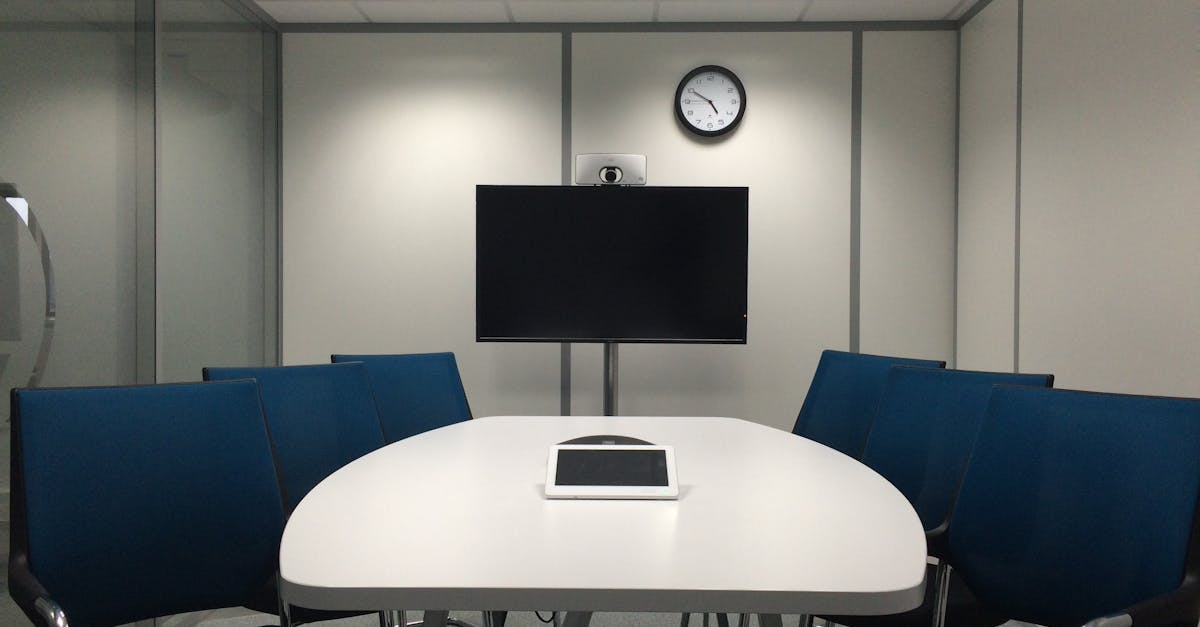
Before scheduling your first telehealth appointment, understanding the technological infrastructure required is paramount to ensuring a seamless virtual consultation experience. Most telehealth platforms require a stable internet connection with minimum upload and download speeds of 1-2 Mbps, though higher speeds of 5-10 Mbps are recommended for optimal video quality and reduced latency. Your device compatibility is equally crucial – whether using a smartphone, tablet, laptop, or desktop computer, ensure your operating system meets the platform's minimum requirements, typically iOS 12+ for Apple devices or Android 8.0+ for Android devices, and updated browsers like Chrome, Firefox, or Safari for computer-based access. Many healthcare providers utilize proprietary platforms or established services like Zoom for Healthcare, Doxy.me, or Epic MyChart, each with specific technical specifications and security protocols. It's advisable to conduct a test call or system check at least 24 hours before your appointment to identify and resolve any potential technical issues. Consider factors such as camera resolution (720p minimum recommended), microphone quality, and speaker functionality, as poor audio-visual quality can significantly impact the diagnostic capabilities of your healthcare provider. Additionally, ensure your device has sufficient battery life or remains plugged in during the appointment, and close unnecessary applications that might consume bandwidth or processing power, potentially causing disruptions during your consultation.
2. Internet Connectivity and Bandwidth Considerations
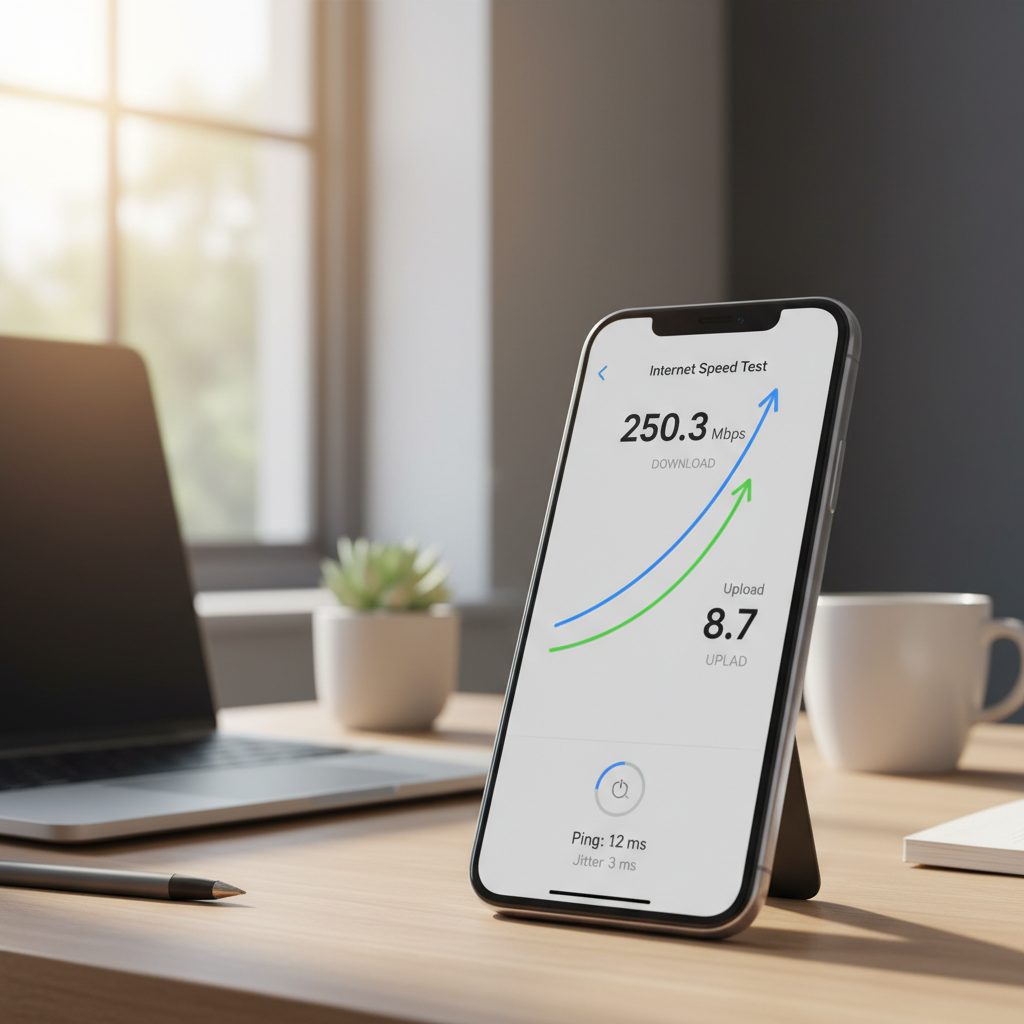
The foundation of any successful telehealth appointment rests upon reliable internet connectivity, making bandwidth assessment and optimization a critical preparatory step. Internet speed requirements vary depending on the complexity of your consultation – basic video calls require approximately 1.5 Mbps for both upload and download, while high-definition video consultations may need 3-5 Mbps or more. Conduct a speed test using services like Speedtest.net or Fast.com during the time you plan to have your appointment, as internet speeds can fluctuate throughout the day based on network congestion and usage patterns in your area. If you're using Wi-Fi, position yourself close to your router and consider using a wired ethernet connection if possible, as this typically provides more stable connectivity than wireless connections. Be aware that other devices and applications in your household consuming bandwidth simultaneously – such as streaming services, online gaming, or large file downloads – can significantly impact your connection quality during the appointment. For households with multiple users, communicate your appointment schedule to family members and request they minimize internet usage during your consultation time. If you experience persistent connectivity issues, consider upgrading your internet plan, using your mobile device's hotspot feature as a backup, or rescheduling your appointment for a time when network traffic is typically lower, such as mid-morning or early afternoon.
3. Privacy and Security Protocols

Privacy and security in telehealth appointments extend far beyond the healthcare provider's responsibility, requiring active patient participation in creating and maintaining a secure virtual environment. HIPAA-compliant telehealth platforms employ end-to-end encryption, secure data transmission protocols, and strict access controls, but patients must also implement personal security measures to protect their sensitive health information. Choose a private location for your appointment where conversations cannot be overheard by family members, roommates, or colleagues, and ensure that sensitive documents or medical information visible in your camera's field of view are appropriately secured or removed. Avoid conducting telehealth appointments in public spaces, shared workspaces, or areas with high foot traffic, as this compromises both your privacy and potentially violates HIPAA regulations. Update your device's operating system and the telehealth application to the latest versions, as these updates often include critical security patches and enhanced privacy features. Use strong, unique passwords for your telehealth accounts and enable two-factor authentication when available to add an additional layer of security. Be cautious about screen sharing or allowing remote access to your device unless specifically requested by your healthcare provider for legitimate medical purposes. Additionally, familiarize yourself with the platform's privacy settings, including options to disable recording, control screen sharing permissions, and manage participant access, ensuring you maintain control over your personal health information throughout the consultation process.
4. Optimal Lighting and Camera Positioning

The visual component of telehealth appointments plays a crucial role in enabling healthcare providers to conduct thorough assessments, making proper lighting and camera positioning essential elements of preparation. Natural lighting is generally superior to artificial lighting, so position yourself facing a window or in a well-lit room, avoiding backlighting situations where bright light sources behind you create silhouettes that obscure your facial features and expressions. If natural light is insufficient or unavailable, use soft, diffused artificial lighting positioned in front of you rather than overhead fluorescent lights, which can create harsh shadows and unflattering illumination that may interfere with visual examination. Your camera should be positioned at eye level to create a natural, professional appearance and enable your healthcare provider to observe your facial expressions, skin color, and other visual cues that contribute to medical assessment. Avoid extreme camera angles – positioning the camera too high creates an unflattering downward perspective, while positioning it too low can be equally problematic and unprofessional. Ensure your face occupies approximately one-third of the screen, providing adequate visibility while maintaining appropriate professional boundaries. Test your camera setup before the appointment by using your device's camera application or conducting a test call with a friend or family member to evaluate image quality, lighting conditions, and framing. Consider the background behind you, opting for a clean, uncluttered space that won't distract from the medical consultation, and avoid virtual backgrounds unless specifically approved by your healthcare provider, as these can sometimes interfere with medical observations or create technical difficulties.
5. Audio Quality and Sound Management
Clear, uninterrupted audio communication forms the backbone of effective telehealth consultations, requiring careful attention to sound quality, ambient noise control, and audio equipment optimization. Invest in a quality headset or earbuds with built-in microphones, as these typically provide superior audio clarity compared to built-in device speakers and microphones, while also ensuring privacy and reducing echo or feedback issues. Test your audio setup before the appointment by recording yourself speaking or conducting a test call, paying attention to volume levels, clarity, and any background noise that might interfere with communication. Position yourself in a quiet environment away from high-traffic areas, household appliances, air conditioning units, or other sources of ambient noise that could disrupt your conversation with your healthcare provider. Inform family members, roommates, or colleagues about your appointment schedule and request they minimize noise-generating activities during your consultation time. If you're in a shared living space, consider using a white noise machine or soft background music in adjacent rooms to mask conversations and maintain privacy. Speak clearly and at a moderate pace, as internet latency can sometimes cause slight delays in audio transmission, and avoid interrupting your healthcare provider, allowing for natural pauses in conversation to accommodate potential technical delays. Keep your microphone muted when not speaking if the platform allows, reducing background noise transmission, but remember to unmute yourself when responding to questions or providing information. Additionally, have a backup communication method available, such as a phone number, in case audio issues arise during the appointment that cannot be quickly resolved.
6. Preparing Your Physical Environment
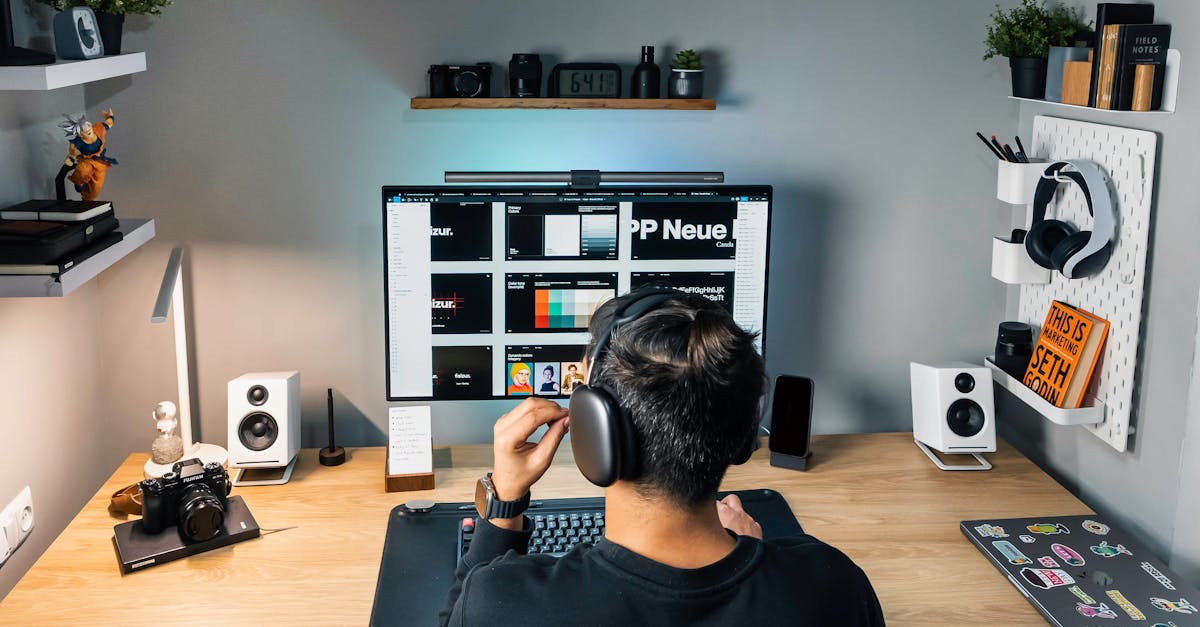
Creating an appropriate physical environment for your telehealth appointment involves thoughtful consideration of space, comfort, and functionality to ensure both professional presentation and optimal consultation conditions. Select a quiet, private room with a door that can be closed to minimize interruptions and maintain confidentiality throughout your appointment. The space should be comfortable enough for you to sit or stand for the duration of your consultation, typically 15-60 minutes depending on the type of appointment, with adequate ventilation and temperature control to prevent discomfort that might distract from your medical discussion. Organize the space to include a stable surface for your device, ensuring it won't wobble or shift during the appointment, and position yourself at an appropriate distance from the camera – typically 2-3 feet away for optimal framing and visibility. Remove or secure any distracting elements in your background, including personal items, confidential documents, or anything that might compromise your privacy or create visual distractions for your healthcare provider. Ensure easy access to any medical documents, medication bottles, or health-related items your provider might need to see during the consultation, organizing these materials within arm's reach but out of the camera's view until needed. Consider the ergonomics of your setup, using a chair that provides good posture support and positioning your screen at eye level to prevent neck strain during longer appointments. Have adequate lighting controls available, such as adjustable lamps or window coverings, allowing you to modify lighting conditions if requested by your healthcare provider for better visual assessment. Additionally, prepare a clean, flat surface nearby where you can place documents or items for closer camera inspection if needed during the consultation.
7. Documentation and Medical History Preparation

Comprehensive preparation of medical documentation and health history information significantly enhances the efficiency and effectiveness of telehealth appointments, enabling healthcare providers to make informed decisions and provide optimal care. Compile a current list of all medications you're taking, including prescription drugs, over-the-counter medications, vitamins, and supplements, noting dosages, frequencies, and any recent changes to your medication regimen. This information is crucial for telehealth providers who may not have immediate access to your complete medical records or pharmacy information. Gather relevant medical documents such as recent lab results, imaging reports, specialist consultation notes, or hospital discharge summaries that relate to your current health concerns or ongoing medical conditions. Create a chronological timeline of your current symptoms or health issues, including onset dates, severity levels, triggers or alleviating factors, and any treatments you've already tried, as this detailed history helps providers understand your condition's progression and response to interventions. Prepare a list of questions or concerns you want to address during the appointment, prioritizing them by importance since telehealth appointments may have time constraints or technical limitations that could affect the consultation's duration. Document your vital signs if you have the capability to measure them at home, including blood pressure, heart rate, temperature, and weight, as this information can be valuable for assessment and monitoring purposes. Research and note your family medical history, particularly any hereditary conditions or recent health changes in immediate family members that might be relevant to your current health status. Additionally, prepare information about your insurance coverage, including policy numbers and any prior authorizations that might be required for treatments or referrals discussed during the appointment.
8. Understanding Platform Features and Navigation
Familiarity with your telehealth platform's features and navigation capabilities empowers you to participate more effectively in your virtual appointment and troubleshoot minor technical issues independently. Most telehealth platforms offer similar core functionalities, including video calling, screen sharing, chat messaging, file sharing, and recording capabilities, though the specific implementation and user interface may vary significantly between different systems. Spend time exploring the platform before your appointment, locating essential controls such as mute/unmute buttons, camera on/off toggles, screen sharing options, and chat functions, as fumbling with these controls during your appointment can disrupt the flow of consultation and waste valuable time. Understand how to join your appointment – whether through a direct link, appointment ID, or through a patient portal – and practice the login process to identify any potential authentication issues or password problems in advance. Many platforms offer mobile applications as well as web-based access, so determine which option works best for your device and internet connection, and have both options available as backups. Familiarize yourself with the platform's chat or messaging features, which can be useful for sharing information, asking questions, or communicating if audio issues arise during the appointment. Learn how to share your screen or specific applications if your healthcare provider requests to view documents, images, or other information stored on your device. Explore any pre-appointment preparation features the platform might offer, such as symptom checkers, health questionnaires, or document upload capabilities that can streamline your consultation. Additionally, understand the platform's technical support resources, including help documentation, tutorial videos, or customer service contact information, so you can quickly access assistance if technical difficulties arise during your appointment.
9. Scheduling and Time Zone Considerations

Effective scheduling and time zone management are fundamental aspects of telehealth appointment preparation that require careful attention to detail and proactive communication with healthcare providers. When scheduling your appointment, consider your daily routine, energy levels, and any medications that might affect your alertness or communication abilities at different times of day, as these factors can significantly impact the quality of your consultation. Be particularly mindful of time zone differences if you're consulting with a healthcare provider in a different geographic location, double-checking appointment times and using reliable time zone conversion tools to avoid confusion or missed appointments. Many telehealth platforms automatically adjust for time zones, but it's prudent to confirm the appointment time in both your local time zone and your provider's time zone when scheduling. Plan to log into the telehealth platform 10-15 minutes before your scheduled appointment time to address any last-minute technical issues, complete any required pre-appointment forms, and ensure all your prepared materials are readily accessible. Consider scheduling buffer time before and after your appointment, avoiding back-to-back meetings or commitments that might create stress or prevent you from fully engaging in your healthcare consultation. If you're managing multiple telehealth appointments with different providers or platforms, maintain a detailed calendar system that includes appointment times, platform information, login credentials, and any specific preparation requirements for each consultation. Be aware of your healthcare provider's cancellation and rescheduling policies, as these may differ from traditional in-person appointment policies and could affect your ability to make changes to your appointment schedule. Additionally, consider the potential for technical delays or extended consultation times when planning your schedule, allowing flexibility for appointments that might run longer than anticipated due to complex medical discussions or technical difficulties.
10. Communication Strategies for Virtual Consultations

Effective communication in telehealth appointments requires adaptation of traditional patient-provider interaction patterns to accommodate the unique challenges and opportunities of virtual healthcare delivery. Speak clearly and at a slightly slower pace than normal conversation, as internet latency and audio compression can sometimes affect speech clarity and timing, making it important to enunciate words distinctly and pause between sentences to ensure your healthcare provider can follow your explanations. Maintain eye contact by looking directly at your camera rather than at your screen, which creates the impression of direct eye contact with your provider and enhances the personal connection despite the physical distance. Use descriptive language when discussing symptoms, pain levels, or physical sensations, as your healthcare provider cannot rely on physical examination techniques and must depend more heavily on your verbal descriptions to understand your condition. Be prepared to repeat information or rephrase explanations if technical issues cause communication difficulties, and don't hesitate to ask your provider to repeat questions or instructions if you didn't hear them clearly. Utilize visual aids when appropriate, such as pointing to areas of concern on your body, showing medication bottles to the camera, or displaying relevant documents or images that might help illustrate your health concerns. Practice active listening techniques, including verbal acknowledgments and clarifying questions, to ensure you understand your provider's recommendations and instructions, as the virtual format can sometimes make it more difficult to gauge whether information has been clearly communicated and understood. Be patient with technical delays or interruptions, maintaining a positive and flexible attitude when minor technical issues arise, as these are common in virtual healthcare delivery and usually can be resolved quickly. Additionally, prepare to take notes during the appointment or ask if the session can be recorded for your reference, as the virtual format might make it more challenging to remember all the information discussed during your consultation.
11. Managing Interruptions and Distractions

Creating and maintaining a distraction-free environment during telehealth appointments requires proactive planning and clear communication with household members, colleagues, or others who might inadvertently interrupt your medical consultation. Inform family members, roommates, or anyone else in your living space about your appointment schedule, requesting they avoid entering your consultation area and minimize noise-generating activities during your appointment time. Turn off or silence non-essential electronic devices, including smartphones, tablets, televisions, and computer notifications, as these interruptions can disrupt your concentration and potentially compromise the privacy of your medical discussion. If you have pets, consider securing them in another room or area where they won't create noise or visual distractions during your appointment, as barking dogs, meowing cats, or other pet behaviors can significantly disrupt virtual consultations. Close unnecessary computer applications and browser tabs that might generate notifications or consume system resources, potentially causing technical performance issues during your appointment. If you're working from home or in a shared workspace, use door signs, calendar blocks, or other communication methods to signal that you're in a private medical appointment and should not be disturbed except for emergencies. Prepare contingency plans for common interruptions, such as unexpected visitors, delivery personnel, or urgent phone calls, deciding in advance how you'll handle these situations without compromising your healthcare consultation. Consider using noise-canceling headphones or earbuds to minimize the impact of external sounds and help you maintain focus on your healthcare provider's instructions and questions. If interruptions do occur during your appointment, address them quickly and professionally, apologizing to your healthcare provider and taking steps to prevent further disruptions, such as moving to a different location or rescheduling the appointment if the interruptions cannot be adequately controlled.
12. Insurance Coverage and Billing Procedures

Understanding insurance coverage and billing procedures for telehealth services is essential for avoiding unexpected costs and ensuring you receive the maximum benefits available under your health insurance plan. Contact your insurance provider before your appointment to verify telehealth coverage, as policies vary significantly between insurers and may have specific requirements for covered virtual consultations, such as restrictions on the types of appointments covered or requirements for prior authorization. Many insurance plans now cover telehealth appointments at the same rate as in-person visits, particularly following regulatory changes implemented during recent global health challenges, but coverage details can vary based on your specific plan, the type of healthcare provider, and